6 Key Features Your Event App Needs in 2025 (and the Data Behind Them)
Event apps aren’t just digital programs anymore—they’re where engagement, data, and revenue meet. Below are six features that truly move the needle, each with examples or case studies and fresh stats you can use with stakeholders.
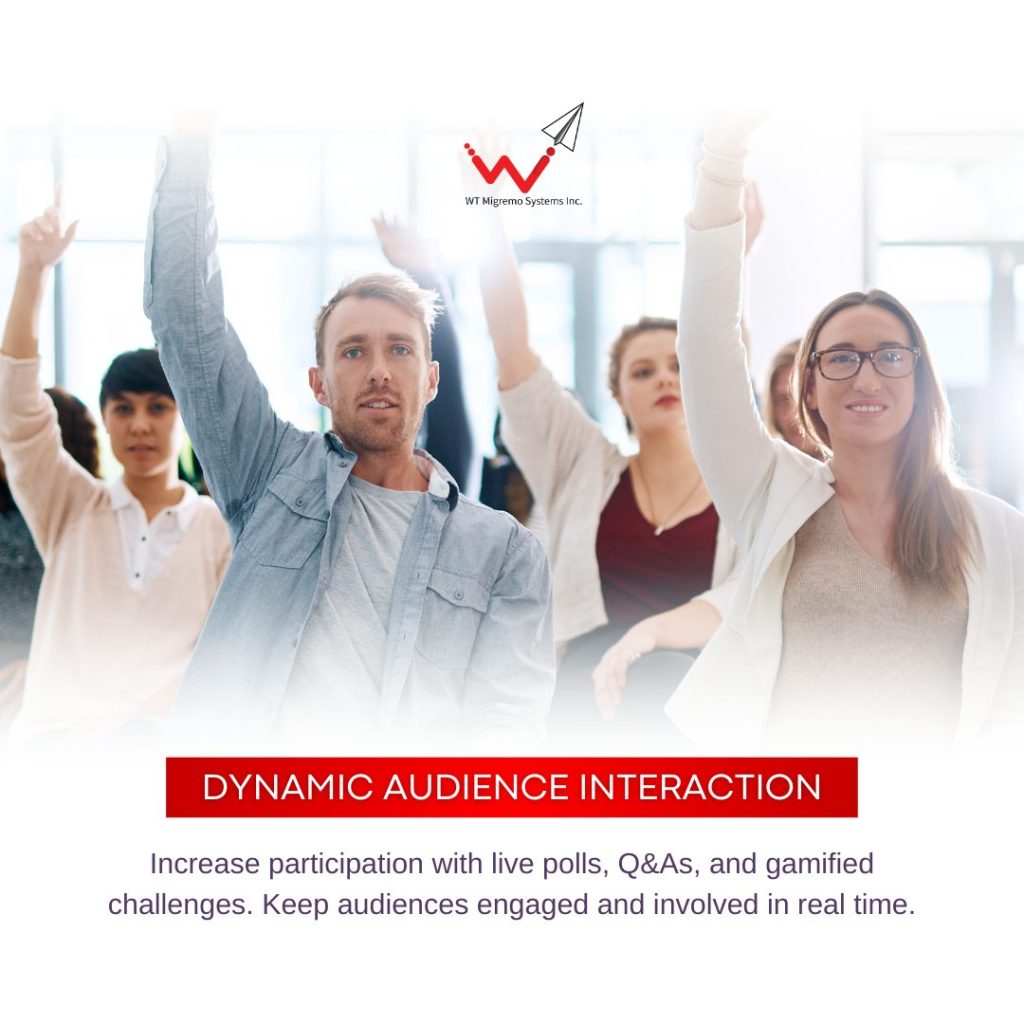
1) Dynamic Audience Interaction
What it is: Live polls, Q&A, chat, push notifications, mobile agendas, slide interaction—tools that turn attendees from viewers into participants.
Why it matters: Interactive formats measurably lift participation and session quality. Slido’s case library includes conferences that saw a 1,460% jump in survey responses after introducing live Q&A/polls, with the most-upvoted questions surfacing insights that would otherwise be missed.
And it’s worth the effort: organizers continue to rate in-person experiences as extremely impactful—78% say in-person conferences are their most impactful marketing channel—so maximizing on-site interaction pays off. products.eventgroove.com
Example:
A multi-track leadership summit deployed in-app Q&A and live polls in every keynote. Moderators filtered questions by upvotes; speakers adjusted in real time. Post-event, the team exported a ranked list of unanswered questions to fuel content follow-ups and nurture campaigns.
What to look for in your app: A polished engagement toolkit (polls, Q&A, chat, push, gamification) with session-level analytics and easy export. (EventMobi, for example, packages these in a single customizable app.) EventMobi
2) Actionable Event Insights
What it is: Real-time dashboards for registrations, attendance, dwell time, session ratings, content engagement, on-site scans, and conversion paths—plus post-event reporting you can hand to Sales and the C-suite.
Why it matters: Even with better tools, 38.2% of organizers still struggle to demonstrate ROI for B2B conferences. Closing this gap requires instrumentation across the journey—not just a post-event survey. Bizzabo
Surveys are still widely used—90% of planners and marketers rely on them—but 19% still don’t know their event ROI, underscoring the need to connect behavioral data (attendance, scans, meetings) with outcomes. SweapGlobalMeet
Case study:
TD SYNNEX used Cvent’s LeadCapture to centralize lead collection from 200+ onsite sponsors, making it easier to quantify ROI post-event and attribute pipeline to specific touchpoints. Cvent
What to look for in your app: Session-level analytics, heatmaps/dwell metrics (for expos), scan data, and CRM-ready exports so Marketing Ops can show pipeline influence—not just satisfaction scores.
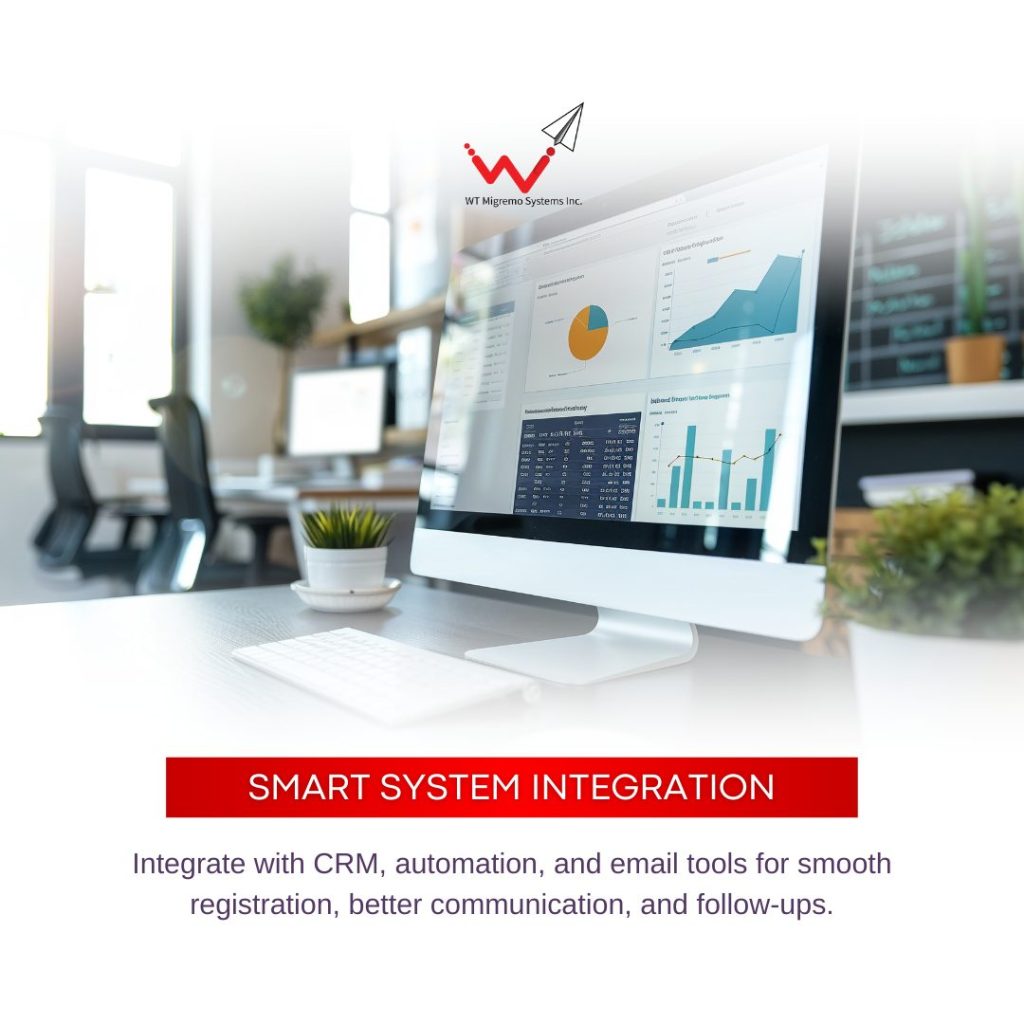
3) Smart System Integration
What it is: Prebuilt connectors and open APIs to sync registration, check-ins, scans, meetings, and survey data with your CRM (Salesforce, HubSpot, Dynamics), MAP (Marketo, Pardot, Eloqua, HubSpot), and BI tools.
Why it matters: According to Skift Meetings’ research, 44.5% of planners say their event platform isn’t connected to their CRM—a major barrier to proving value and acting on insights. Skift Meetings
Example:
An association connected badge scans and meeting schedules to Salesforce campaigns. Leads were auto-enriched with session interests and exhibitor interactions; Sales received same-day follow-ups segmented by behavior, boosting conversion speed.
What to look for in your app: Secure, documented APIs; native CRM/MAP integrations; webhook support; and field-level mapping (e.g., scan notes → Salesforce activity). Lead capture modules (like Cvent LeadCapture) should push enriched leads to the right owner automatically. Cvent
4) Hassle-free Event Configuration
What it is: No-code builders, templates, and drag-and-drop editors so your team can launch quickly without developers—plus feature flags for fast updates.
Why it matters: Teams juggle tight timelines and frequent changes. A no-code builder can reduce build time from weeks to hours. Tools like Guidebook and Fliplet let non-technical teams assemble branded apps via templates and components. GuidebookFliplet – No Code App Builder
If you need to push config changes on the fly (e.g., room change, feature toggle), modern configuration practices show it’s possible to deploy dynamic updates in seconds without new code releases (a pattern popularized at scale by AWS AppConfig). Amazon Web Services, Inc.
Example:
A regional roadshow series reused a base template (agenda, speaker cards, maps, sponsor gallery) and imported CSVs per city. Local teams updated agendas and notifications day-of without developer help.
What to look for in your app: A visual CMS, reusable templates, role-based access, and instant publish—plus the ability to clone events and carry over branding/assets from last year.
5) Targeted Attendee Feedback
What it is: In-app micro-surveys, session ratings, NPS, and conditional logic triggers that reach the right attendees at the right moment (e.g., a 1-question pulse when someone exits a session).
Why it matters: 90% of planners use surveys to measure satisfaction, but response quality skyrockets when requests are contextual and timely (e.g., mobile prompts at session end vs. a long email days later). Sweap
Real-time, in-app methods (live polls & Q&A) have shown dramatic lifts in participation—for instance, that 1,460% increase in feedback volume after adding interactive tools.
Example:
A product user conference triggered a 2-question micro-survey as attendees left each breakout. Results fed a leaderboard that highlighted top-rated sessions for on-demand promotion and informed next year’s agenda.
What to look for in your app: Session-linked surveys, branching logic, push-triggered reminders, and exports to your analytics stack so you can correlate satisfaction with behavior (attendance, scans, meetings).
6) Seamless Networking & Lead Generation
What it is: AI-powered matchmaking, meeting scheduling, smart badges, and exhibitor lead capture across mobile and handheld scanners—all tied to CRM.
Why it matters: Networking is consistently cited as a prime attendee goal, and modern tools drive measurable results. HumanX, for example, facilitated 19,000+ connections on day one using Grip’s AI matchmaking plus smart badges and pre-scheduled meetings. Grip
On the revenue side, standardized lead capture helps exhibitors prove value and accelerates follow-up—Cvent’s lead capture stack is a common example. Cvent+1
Example:
At a tech expo, exhibitors scanned badges to qualify leads (notes, interest tags) and triggered same-day nurture sequences based on product interest. Sales reps received prioritized lead lists with meeting history attached.
What to look for in your app: AI recommendations, calendar-based meeting slots, floorplan-aware navigation, badge/app scanning, lead scoring, and instant CRM sync with owner routing.
Looking for a credible web app or mobile app developer who can customize your very own events management software? We at WT Migremo Systems, Inc. are here to help you out. Feel free to contact us to schedule an exploratory call.